
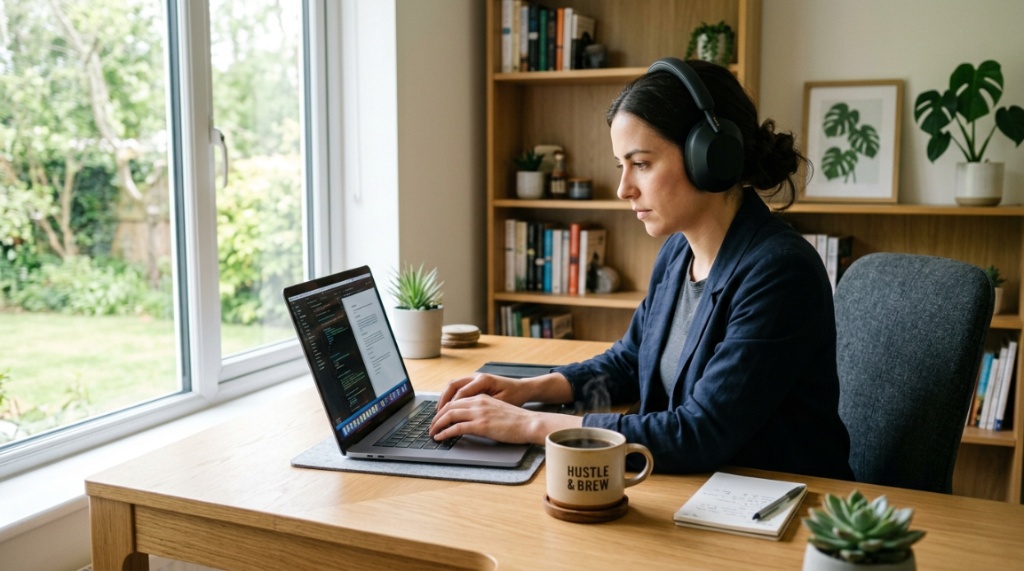
Working remotely in Illinois comes with its own set of acoustic hurdles. Whether you are in a Chicago high-rise dealing with street noise, a suburban home office near the Metra tracks, or a coffee shop in Naperville, background noise can destroy your focus and make you sound unprofessional on calls. The solution is often a solid pair of noise-cancelling headphones. However, not all ANC is created equal, and picking the right pair requires understanding your specific environment. This guide breaks down exactly how to choose remote work ANC headphones IL professionals can rely on, covering everything from microphone quality to comfort for those long Midwest workdays.
Key Takeaways
- Prioritize microphone quality for calls, not just noise cancellation for listening, because a quiet environment for you doesn’t mean your voice is clear to coworkers.
- Consider the type of noise in your Illinois environment—constant hums (HVAC, traffic) are easier to cancel than sudden, sharp sounds (barking dogs, sirens) which require different technology.
- Comfort and battery life are critical for 8-hour workdays; look for lightweight designs and at least 24 hours of playback with ANC enabled.
- Multipoint connectivity is essential if you switch between a work laptop and a personal phone throughout the day.
- Do not overlook the “transparency mode,” which lets you hear family members or delivery drivers without removing the headset.
Why Standard Noise Cancellation Isn’t Enough for Work Calls
When most people shop for noise-cancelling headphones, they focus on how quiet the music sounds. But for remote work, the priority shifts entirely. You need the microphone to isolate your voice from the background noise, not just the speakers to block it out. This is a critical distinction. If you are using headphones with excellent ANC but a weak microphone, your colleagues will hear the rumble of the El train or the clatter of your keyboard just as clearly as your voice.
Most modern ANC headphones use feed-forward and feedback microphones on the ear cups to generate anti-noise. However, the microphone boom or the mic array used for calls is a separate system. Look for headsets that specifically advertise “AI noise reduction” or “environmental noise cancellation” for calls. This feature uses software to filter out background sounds so your voice remains the primary signal. If you are navigating the specific market for remote work ANC headphones IL, you must filter models based on call quality, not just music quality.
Active vs. Passive Noise Cancellation
It is important to understand the difference between active and passive isolation. Active Noise Cancellation (ANC) uses microphones and speakers to create inverse sound waves that cancel ambient noise. This works best on low-frequency, continuous sounds—think the drone of an air conditioner or the distant hum of highway traffic on I-90. Passive isolation, on the other hand, relies on the physical materials of the ear cups (dense foam, tight seals) to block high-frequency sounds like crying babies or keyboard clicks. For remote work, you need a hybrid approach: strong ANC for the rumble and a good seal for the sharp, distracting noises.
Key Features to Evaluate for Illinois Remote Workers
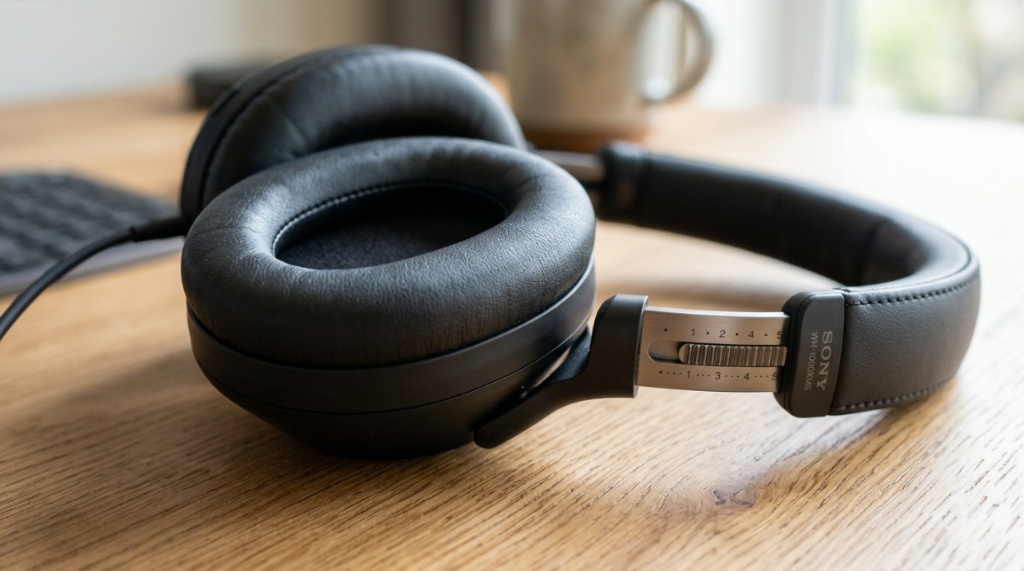
Choosing the right pair involves more than just looking at the price tag. You need to evaluate specific components that directly impact your daily workflow. Here are the critical checkpoints to consider before purchasing.
Microphone Quality and Call Clarity
The microphone is arguably the most important feature for a remote worker. Look for headsets with multiple microphones. A common configuration is a dual-mic beamforming array, which focuses on your mouth and rejects sounds from the sides and rear. Some premium models use bone-conduction sensors that pick up the vibration of your voice through your skull, which is highly effective in windy conditions or very loud rooms.
What to look for:
- Mic specifications that mention “encased” or “boom” style designs for better placement.
- Software support (like Sony’s or Jabra’s apps) that allows you to adjust sidetone (hearing your own voice) and noise reduction levels.
- Certification for platforms like Zoom, Microsoft Teams, or Google Meet (e.g., “Made for Teams”). This ensures the headset handles the audio protocols correctly and often includes a dedicated mute button.
Comfort for Long Workdays
Illinois workdays can be long, especially if you are in finance or tech sectors in the Chicago Loop. Comfort is non-negotiable. Heavier headphones can cause neck strain by mid-afternoon, and tight clamping force can lead to headaches. Look for headphones under 300 grams. Plush memory foam earpads that do not heat up are essential. Remember, if you wear glasses, you need a lighter clamp force to avoid pressure points where the arms of your glasses sit against your head.
Multipoint Connectivity
You likely use a work computer and a personal phone. Multipoint connectivity allows the headphones to connect to both devices simultaneously. This means you can be listening to a podcast on your phone and hear a “ding” from your laptop letting you know a meeting is about to start. Without multipoint, you are constantly disconnecting and reconnecting. Check whether the specific version of Bluetooth (5.3 is ideal) supports stable multipoint on your specific laptop model, as compatibility can sometimes be finicky on older corporate PCs.
The Importance of “Transparency” or “Ambient” Mode
While noise cancellation is the main attraction, the “transparency mode” is the unsung hero of remote work. This feature uses the microphones to pump outside sound back into your ears. This is crucial for several reasons:
- Situational awareness: You can hear a delivery driver, a child waking from a nap, or a package being dropped off without removing your headphones.
- Quick conversations: You can answer a spouse’s quick question without pausing your video or pulling the headset off.
- Safety: If you take a walk during lunch in a busy area like Wicker Park, you need to hear traffic.
When testing headphones, do not just test how silent they get in ANC mode. Test how natural your voice sounds in transparency mode and how well it suppresses wind noise, which is common in Chicago winters, For extended daily wear without fatigue, make sure to read our guide on how to Choose Comfortable Wireless Headphones for Long Listening Sessions to find ergonomic models that protect your ears during marathon work days.
Comparing Over-Ear vs. In-Ear ANC Options
The choice between over-ear and in-ear (truly wireless earbuds) is a major fork in the road. Each has distinct advantages and drawbacks for the remote worker.
| Feature | Over-Ear ANC | In-Ear ANC (Earbuds) |
|---|---|---|
| Noise Cancellation | Generally superior due to larger drivers and more space for mic arrays. | Good for low-frequency hums, but often weaker on high-frequency noises. |
| Battery Life | Typically 30-40 hours on a single charge. | Usually 6-8 hours with ANC on, plus 20+ hours via the charging case. |
| Comfort | Can cause ear fatigue and heat buildup over 8 hours. | Lighter and cooler, but can cause ear canal pressure or soreness. |
| Microphone Placement | Mics are further from the mouth, often requiring better noise suppression software. | Mics are closer to the voice box; often better for voice pickup in mild wind. |
| Battery Anxiety | Low risk; you can wear them all day without charging. | High risk; you must remember to charge the case and the buds daily. |
For deep focus in a loud family home, over-ear models are usually the better investment. For those who switch between sitting at a desk and moving around the house, earbuds offer more flexibility despite the constant charging.
Budget Considerations and Value
You do not need to spend over $300 to get excellent call quality and strong ANC. The market has segmented nicely over the past few years. Here is a realistic breakdown of what you get at different price points in the Illinois market:
- Under $100: You will get basic ANC that handles steady hums but struggles with sudden noises. Microphones will likely be “good enough” but may struggle in moderate noise. These are fine for quiet suburban homes.
- $150–$250: This is the “sweet spot.” You get strong ANC, excellent call quality with multi-mic setups, and usually a companion app to customize the EQ and noise cancellation levels.
- $300+: You are paying for premium materials, class-leading ANC (like the Sony WH-1000XM5 or Bose QC Ultra), and advanced features like adaptive ANC that adjusts to your surroundings automatically. The call quality is excellent, but you are paying for the prestige and top-tier passive noise isolation.
How to Test Your Headphones for VoIP Use
You cannot just try on headphones in a store and know if they are good for work. You need to test them in “Voice over IP” (VoIP) environments like Zoom or Slack. Here is a step-by-step method to test any pair before you commit to them for work:
- Record yourself: Play a loud noise (like a fan or a busy YouTube street scene) on your computer speakers. Speak normally and record a voice memo on your phone. Play it back to see how much of that background noise leaks through.
- Check sidetone: Sidetone is the ability to hear your own voice in the headphones. If there is a lag or an echo when you speak, it will be distracting for you. Many apps allow you to adjust sidetone; if the headset does not support it, you may feel “blocked up” when speaking.
- Test the mute button: Is the mute button physical or touch-sensitive? In a stressful meeting, a physical button is easier to find blindly than a touch surface. Check if there is a “raise to talk” or “tap to mute” feature that prevents accidental unmuting.
- Use the app: Download the companion app. Look for a “noise reduction” slider for the call microphone. The ability to tweak this live is vital for adapting to different rooms in your home throughout the day.
Common Mistakes When Buying ANC Headphones for Work
Many remote workers end up with a drawer full of useless earbuds because they fell for common marketing traps. Avoid these pitfalls to save yourself time and money.
Falling for Music-First Reviews
Most professional reviews focus on sound quality for music. A bass-heavy signature might sound great for hip-hop but can muddy your voice on a call. Look specifically for “call quality” tests in reviews—usually found via a microphone test sample played over a speaker. If a review does not mention the microphone, assume it is below average for professional use.
Ignoring the Wind Factor
Illinois is nicknamed the “Windy City” for a reason. If you walk between meetings or work near an open window, wind noise is a killer. Wind slapping against the microphone grilles creates a booming, rumbling sound that ruins calls. Look for headsets with “wind reduction” technology in the spec sheet, or physically cover the mic holes with a foam windscreen if you are crafty.
Choosing “Sealed” vs. “Leaking” ANC
Some ANC headphones have a hyper-sealed fit (creating a vacuum in your ears). While this blocks noise excellently, it can cause headaches and “ear suck” (a feeling of pressure). This is common in models that do not ventilate their ear cups (like older AirPods Max models). Ensure the ear cups have a slight pressure relief hole to avoid discomfort during all-day wear.
Bottom Line: Matching the Headset to Your Home
The best headphone for a remote worker in Rockford with a quiet home office is different from the best headset for a parent in Evanston with two kids in the next room. If your home has consistent background noise (traffic, central air), look for maximum ANC performance—the top-tier Sony or Bose models are worth it. If you have sudden, intermittent noises (dogs barking, kids playing), you need a headset with excellent microphone voice isolation and fast ANC response time. The latter is often handled by software processing, so prioritize models with advanced chipsets (like the QN1 or the newer Sony V1 processors).
Ultimately, the best purchase is the one you will wear. Do not compromise on weight for better noise cancellation; a heavy headset will end up around your neck, not on your ears. Use the features above to narrow down your options, and you will find a pair that makes those long Midwest workdays significantly more productive and your communication crystal clear.
Frequently Asked Questions
Can I use gaming ANC headphones for remote work?
Yes, but with caveats. Gaming headsets often have excellent boom microphones that beat standard consumer earbuds for voice clarity. However, their ANC is often weaker, and they are usually heavier. If you prioritize voice quality above all else and already own a gaming headset, it is a viable stopgap, but you may miss the advanced ANC for focus.
Do I need ANC if I work in a quiet library?
No. If your environment is already quiet, you just need good passive isolation and a quality microphone. Spend your money on a comfortable headset with a clear mic. ANC adds cost and battery drain without much benefit in a silent room. However, if the library is in a city center, ANC helps with the rumble of traffic and distant chatter.
Is it better to buy a dedicated “Teams” certified headset?
Usually, yes. Headsets certified for Microsoft Teams or Zoom include a hardware mute key and a specific LED indicator for mute status. More importantly, they are tested to work with the Unified Communications (UC) software to ensure no audio glitches on specific corporate PCs. This certification adds a level of reliability that standard consumer headphones lack.
Why does my voice sound “tinny” or “far away” to others on calls?
This is often due to the microphone picking up background noise and the noise-reduction software processing your voice too aggressively. Try speaking slightly closer to the mic, or reduce the noise suppression level in your headphone app. If the issue persists, check if the ear cups are properly sealed—a poor seal can cause the mic to pick up more environmental noise, triggering the suppression algorithms.
Conclusion
Selecting the right remote work ANC headphones IL requires shifting your focus from “quiet for me” to “clear for them.” By prioritizing microphone quality, comfort, and multipoint connectivity over simply buying the flashiest pair, you set yourself up for a more productive workspace. Evaluate your specific home environment, decide between over-ear or in-ear, and test the call quality before finalizing your purchase. A well-chosen headset is not just an accessory; it is a professional tool that ensures your expertise is heard above the noise of a busy day.
